

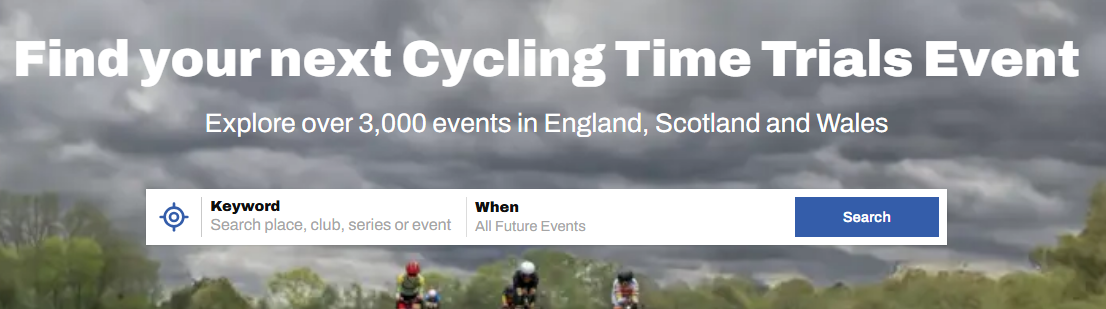
Starting Your Search
1. Use the Target Icon to select your current location, or
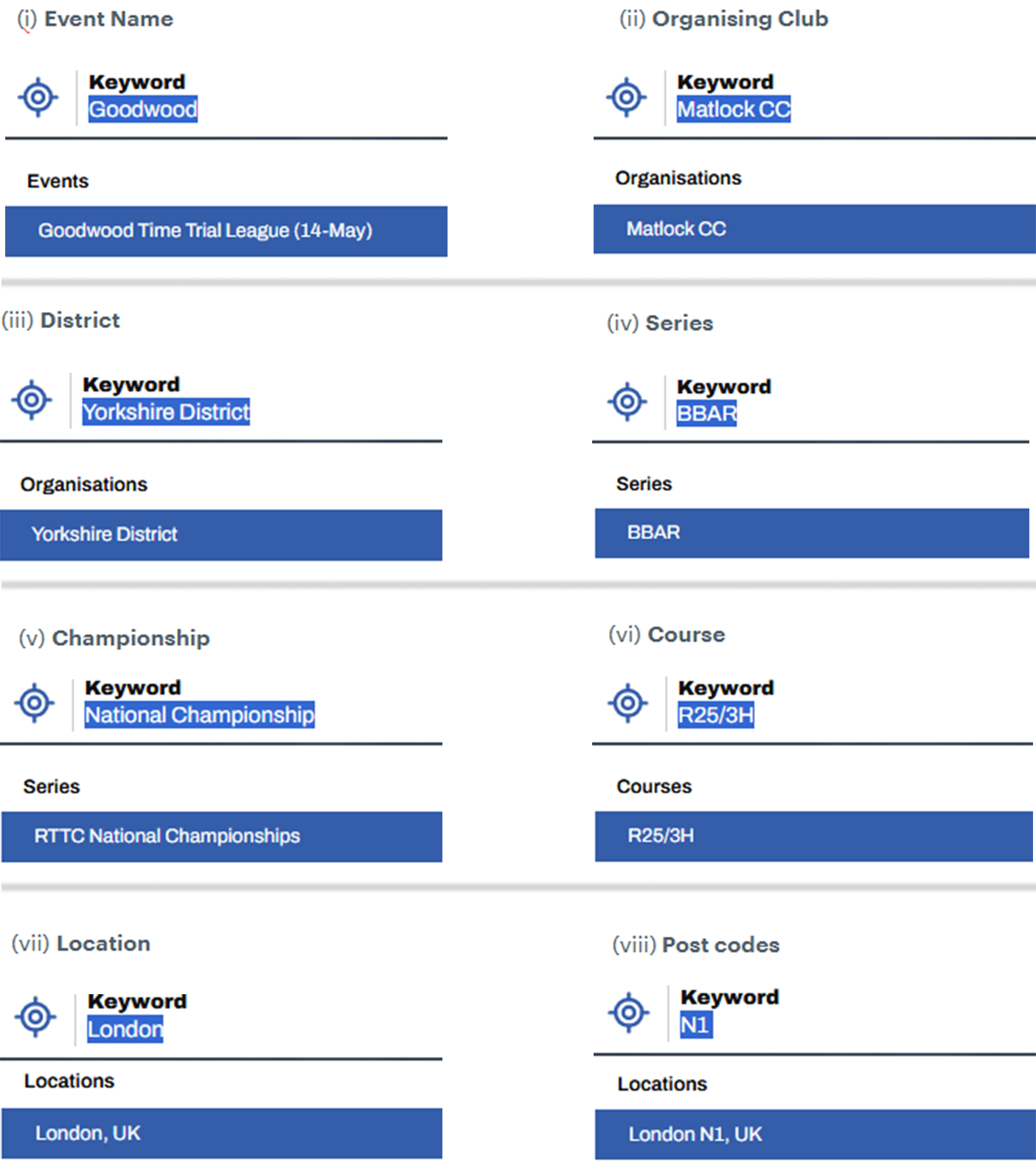
2. Start typing any text in the Keyword Search and the system will look for a match across any of the following data fields: (i) Event Name, (ii) Organising Club, (iii) District, (iv) Series, (v) Championship, (vi) Course, (vii) Location.
The location text can be any part of an address including full or partial (viii) Post codes.
Examples of each type of search are illustrated below.
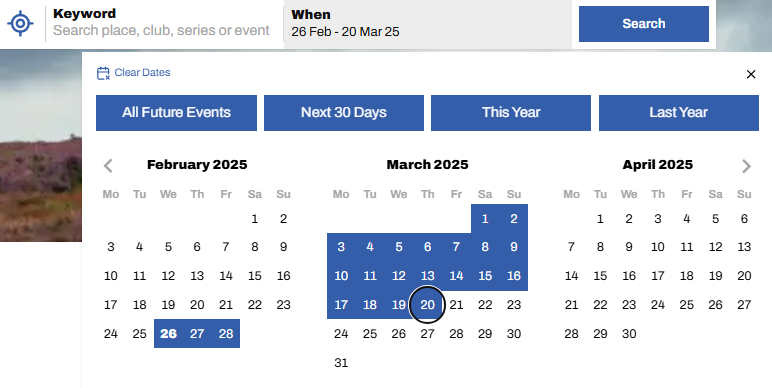
3. If you want to restrict your search to a Date Range, click the When box. The When box can be used with or without the Keyword Search. Either enter a date range or click one of the quick-select tabs: All Future Events, Next 30 Days, This Year or Last Year. The When box can be used to search for Results for past events too.
To select a new end-date, click it (start-date will remain unchanged); to select a new start-date click the date twice to set, then select end-date.
4. Alternatively select one of the Event Type "pills" to see all events on courses of that type.

Refining Your Search
Viewing Your Results
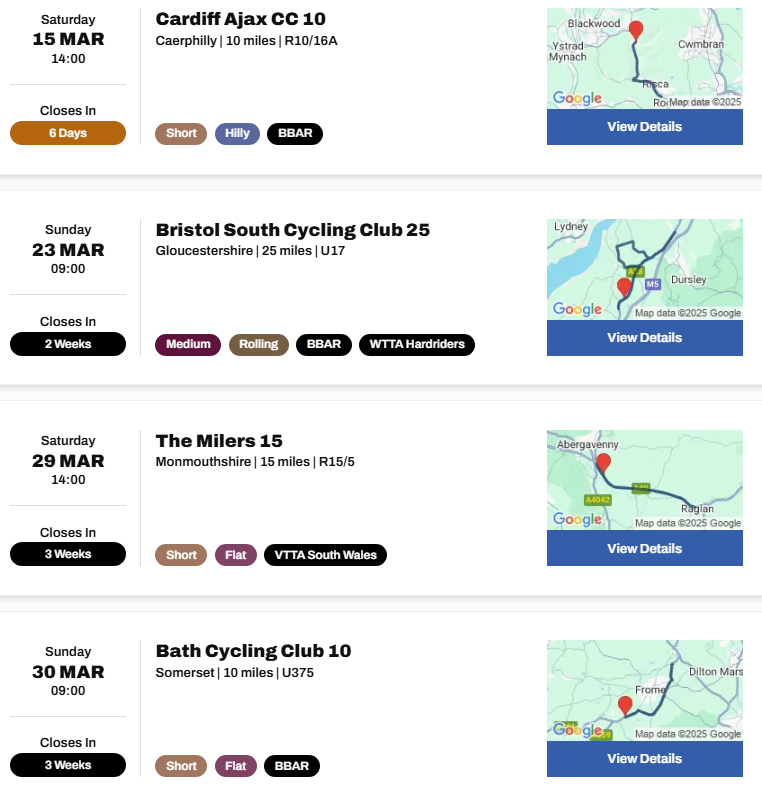
When you're done searching and filtering, you'll be presented with a shortlist of events. These may be presented on one of two ways: (i) List or (ii) Map, chosen by selecting the appropriate header word. Below are examples of each:
1. List View

2. Map View
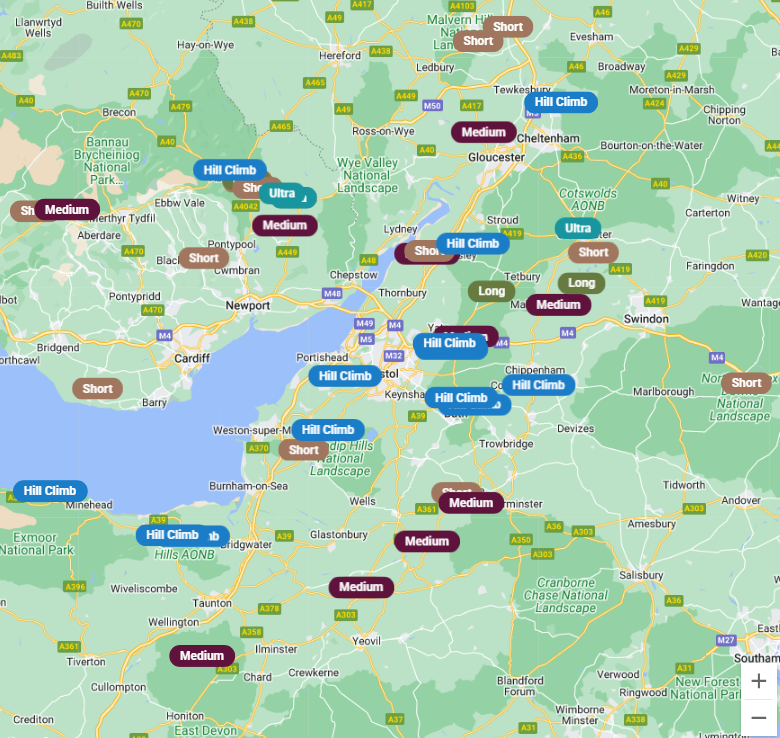
All "pills" in the map view are clickable and will take you to the details for that event.
Only events on courses that have been defined with a map will appear on the map view.
Social media links and sharing
In the Event Finder, wherever you see the sharing icon,  You can use it to share your search results or specific events directly with friends or fellow riders. When you click the icon, you'll have the option to share via WhatsApp, Facebook, or Email. This makes it simple to promote events, organise races, and spread the word within your club or group.
District View
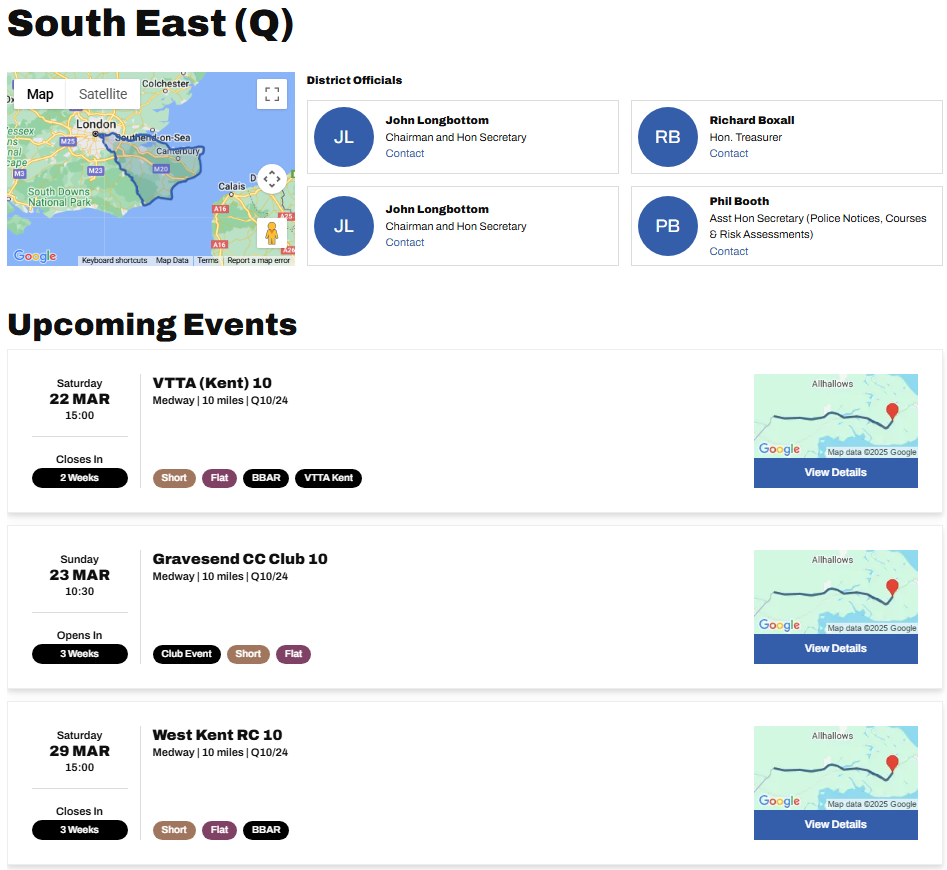
Searching for events within a district has been covered above, but there is an alternative district only view that gives an unfiltered list of all upcoming events in a district, alongside a list of it's officials. From the home page, hover over Discover and select Find a District. You will be presented with a map of the country and graphical representation of each of the 21 districts. Select the one you are interested in. You can then scroll through and select from all future events taking place in your chosen district, as in the example shown below.
Accordion Title
Add content to this accordion...