
A club can be administered by its Primary Contact and the District Officials of its designated district.
Accessing the club admin page
1. Primary contact
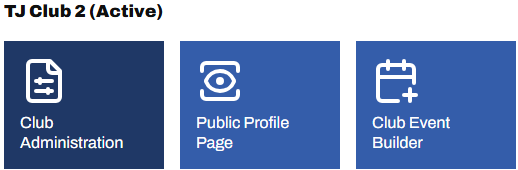
From the Admin Panel, home dashboard, select Club Administration
2. District officials
From the Admin Menu (🔗), view the list of clubs (🔗) in your district, then select the club's name from the list
Edit the club's details
Hover over the fields. Any displaying the pencil icon are editable.
Changing the Primary Contact
Each club must have one, and only one Primary Contact, responsible for club renewals and other club administration. This can be updated by the current Primary Contact, a District Official or Global Admin. To change it, scroll down to the Primary Contact section, click the current name and start typing a new one, then select from the dropdown list and commit with the ✓
Note: A Primary Contact may be set up with a different email address than their personal email, to be used for club related communications. This means you cannot change the Primary Contact by changing just the email address listed; you must change the name, and then if required, change the email address.

Adding an Events Secretary
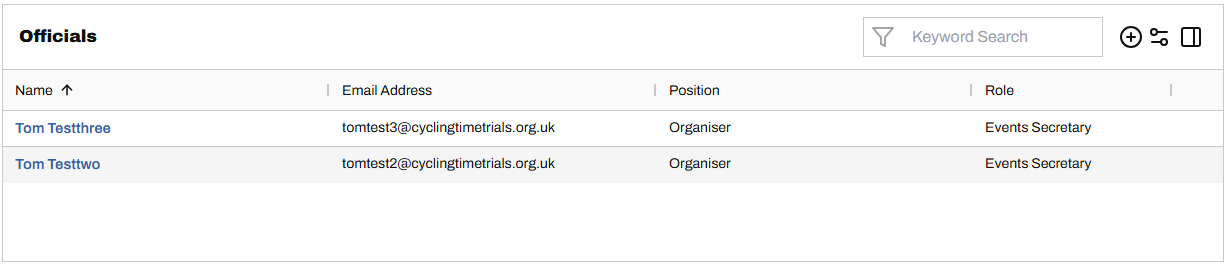
In addition to a Primary Contact, a club may have one or more Events Secretaries responsible for adding and administering club events (link coming). To add an Events Secretary, scroll down to the Officials section and select "+" on the right