
Club Events can be added to the system by Club Events Secretaries, Club Primary Contacts and District Officials. If you are a regular rider without any Admin permissions, and need to submit club events, please Contact Support (🔗), your District Secretary or your club's Primary Contact to get yourself added as an Events Secretary for your club.
Accessing the club Event Builder
1. Primary contact or Events Secretary
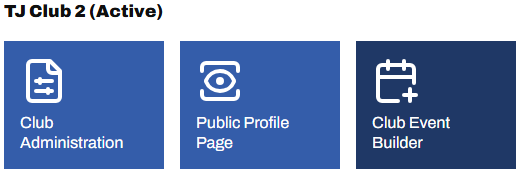
From the Admin Panel, home dashboard, select Club Event Builder for the club you wish to add events for
2. District officials
From the Admin Menu (🔗), view the list of clubs (🔗) in your district, then select the club's name from the list.
From the club's edit page, select Event Builder, on the right.
You are now in the Club Event Builder. The video below (skip to second 24) explains the process from there.
If you need to add an event that uses a course that is not available for selection, please arrange for it to be added (🔗)